Loading course…
OpenClaw Mastery: Safe Always‑On Assistant
Created by Shaunak Ghosh
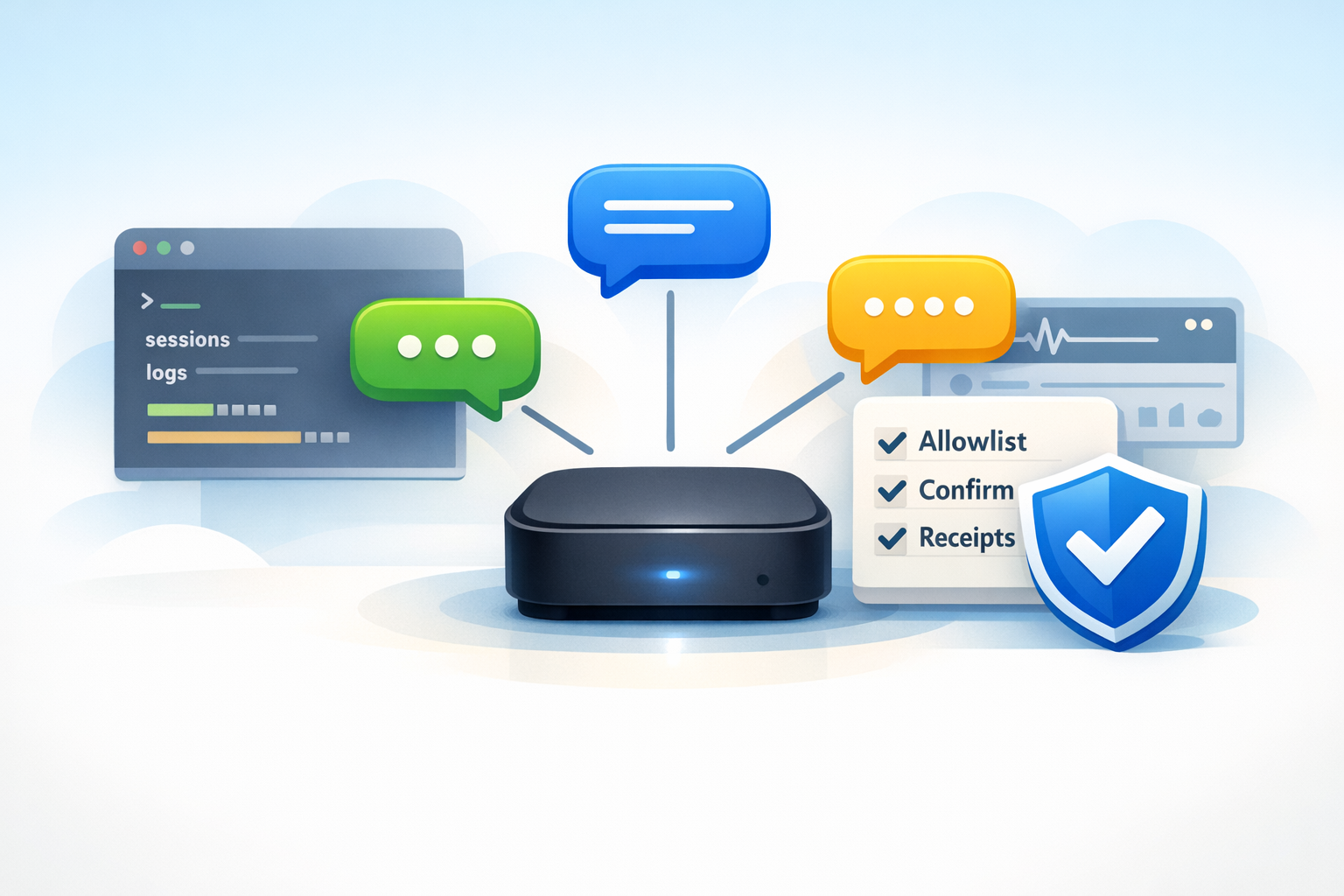
Set up OpenClaw as a local-first, always-on personal assistant, control it from a real chat app, and deploy three daily workflows with a safety baseline. You will graduate into advanced operation, including multimodal usage, skill vetting and extension, and multi-agent routing with Docker sandbox isolation and evidence-based verification.
Requirements
- Comfort running basic terminal commands
- Working knowledge of API keys/tokens and where they live
- Familiarity with one chat app integration (WhatsApp/Telegram/Slack/Discord)
- Basic security mindset (least privilege, attack surface, secrets hygiene)
What you'll learn
- Operate OpenClaw as a local-first, always-on assistant with a clear gateway → agent → tools mental model.
- Install, onboard, and complete a first successful run, then connect one chat channel with allowlist-first access control.
- Use the Control UI and config-as-source-of-truth troubleshooting loop to recover from misconfiguration and verify fixes.
Learning path
8 modules • Each builds on the previous one
1
OpenClaw mental model and verify-first
Define OpenClaw’s core operating model: an agent-in-chat that uses tools/actions, with a strict verify-first loop (plan → act → evidence). Establish what “local-first always-on assistant” means in practice and where mistakes typically happen.
2 videos8 min
2
10-minute setup and first run
Complete installation/onboarding wizard, account + device pairing, and reach a first successful run that can answer a question and produce an evidence trail (logs/receipts).
1 video6 min
3
Connect a chat channel safely
Connect exactly one channel (WhatsApp/Telegram/Slack/Discord): pairing, allowlist, notification tuning, and basic commands. Emphasize safe defaults and confirmation boundaries in chat.
1 video7 min
4
Control UI: sessions, config, logs
Learn the Control UI essentials needed for self-sufficiency: sessions, configuration profiles, logs, and the troubleshooting view. Focus on reading cause→effect from traces and undoing risky config.
1 video6 min
5
Daily workflows: inbox, calendar, tasks
Implement the “OpenClaw Daily Starter Pack” workflows with templates: (1) inbox triage with strict “draft vs send,” (2) calendar scheduling + meeting prep, (3) personal admin checklist (tasks/reminders/docs).
1 video6 min
6
Skills ecosystem: install and vet safely
Discover, install, pin, and update skills. Learn a practical trust model: permissions requested, data access scope, maintainership signals, update hygiene, and rollback strategy.
1 video8 min
7
Safety hardening baseline (must)
Implement a concrete safety baseline: least privilege, read-only defaults, confirmations for write actions, secrets hygiene, and prompt-injection awareness. Turn these into enforceable settings and habits.
1 video4 min
8
Advanced: always-on, routing, extensions, reliability
Graduate to advanced capabilities safely: multi-agent routing (work/personal/projects), always-on daemon mode, scheduled jobs/heartbeats, and media/voice/canvas toggles. Extend once with a simple MCP/custom skill workflow using guardrails + audit log, then lock reliability with “golden tasks” regression checks and evidence/receipt verification.
2 videos19 min
Start Learning
Begin your learning journey
Modules8
Duration59 min
Science-backed learning
In-video quizzes and scaffolded content to maximize retention.
Key concepts
OpenClaw Gateway Mental Model (Agent-In-Chat)Verify-First Safety And Reversible WorkflowsSecure Setup, Pairing, And Channel Allowlisting