Loading course…
Build a Local MCP Chat Connector
Created by James Stothard
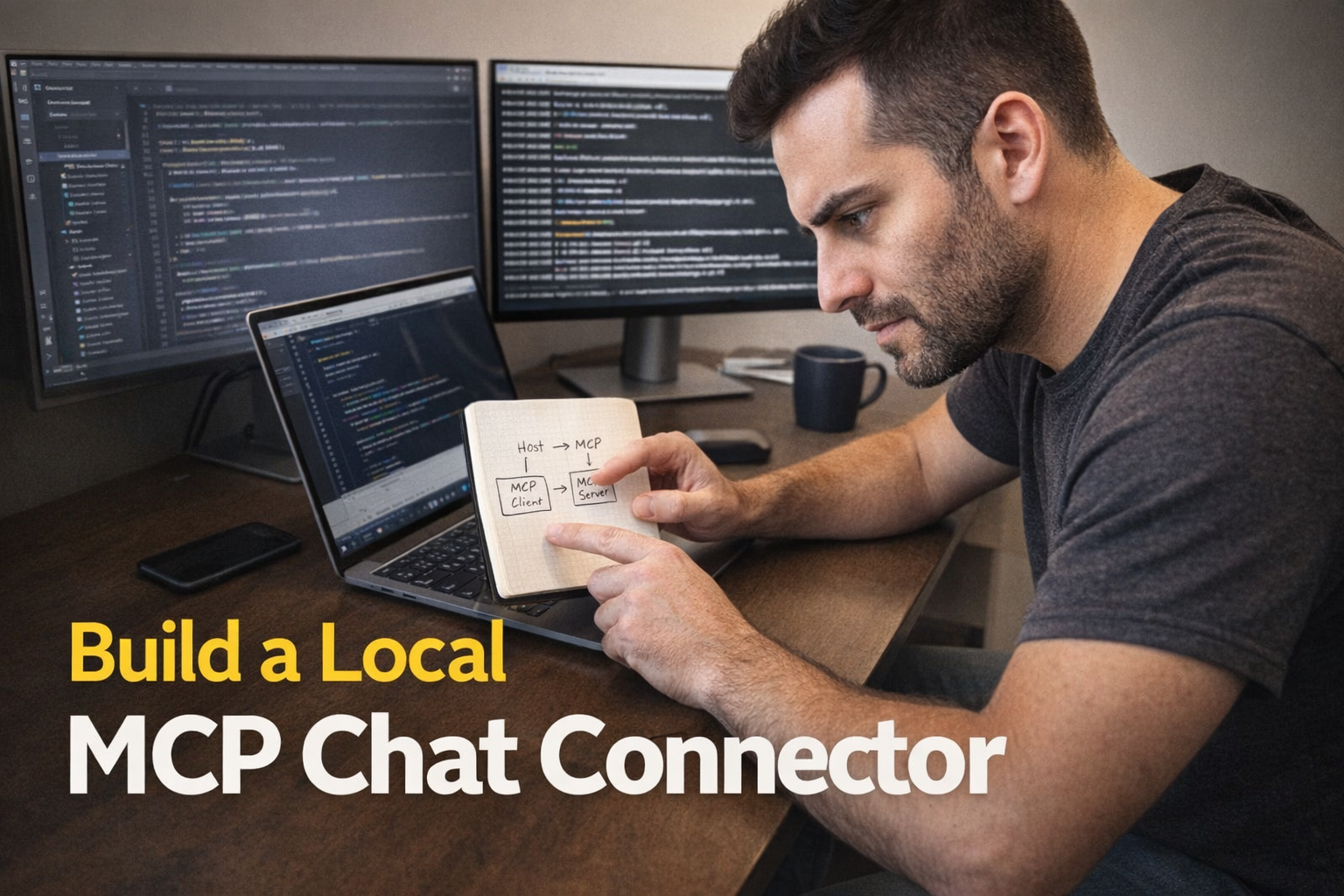
You will build a local MCP server in TypeScript with a safe read-only resource and well-parameterized tools, then wire it into a host reliably without breaking JSON paths or stdio. You’ll adopt a repeatable test/debug workflow and finish by integrating MCP tool calls into an AI chat loop.
Requirements
- Basic MCP ideas (tools, resources, server runs locally)
- Comfort editing JSON without syntax errors
- Ability to run copied terminal commands
- High-level understanding of what an API is
What you'll learn
- Explain the MCP server’s role vs the model’s role, and choose an appropriate transport for local vs remote usage.
- Run and troubleshoot a local MCP server by eliminating path/working-directory mistakes and capturing stderr reliably.
- Implement a TypeScript MCP server capability surface with safe read-only resources and parameterized tools validated by schemas.
Learning path
10 modules • Each builds on the previous one
1
MCP Architecture Blueprint and Transports
Map the end-to-end MCP system (host, client, server) so you can predict where failures occur and avoid confusing the MCP server with the AI model. Compare stdio vs Streamable HTTP at a decision-making level so you can choose the right transport for local vs remote use.
2 videos16 min
2
Command Line Basics for MCP
Learn the minimum terminal skills needed to run, inspect, and troubleshoot an MCP server locally without getting lost in folders, paths, or environment variables. Focus on repeatable habits that prevent configuration mistakes.
2 videos16 min
3
Basic TypeScript for MCP Servers
Acquire just enough TypeScript and Node mental models to read and modify an MCP server safely, with emphasis on async behavior and library-based schemas. The goal is controlled edits and confident debugging, not becoming a general programmer.
2 videos15 min
4
First Read-Only MCP Resource
Implement a read-only resource that returns predictable content so you can validate end-to-end connectivity and content rendering. Learn what makes a resource “safe” and easy for an AI host to use reliably.
1 video6 min
5
Tool Arguments and Input Schemas
Define tool arguments so the AI can request exactly what it needs without overwhelming outputs, while keeping validation strict and failure modes clear. Emphasize practical parameter design (limits, filters, date ranges) and predictable responses.
2 videos23 min
6
JSON Config and MCPB Manifest
Configure an MCP host to discover and run your server, focusing on JSON correctness, paths/commands, and secure handling of secrets. Understand the modern Claude Desktop extension path using MCPB bundles and manifest.json, plus how configuration errors prevent tools from appearing.
1 video9 min
7
Testing and Debugging Your Server
Adopt a repeatable debugging workflow using the MCP Inspector plus structured server logging so you can isolate whether failures are in your code, the transport, or the host configuration. Learn how to test resources and tools with controlled inputs before trusting them in chat.
1 video7 min
8
API Integration for Real-Time Data
Integrate an external API into your MCP server so the AI can fetch up-to-date information on demand, while handling rate limits, failures, and response shaping. Focus on returning compact, reliable results that are easy for the AI to use in multi-step work.
1 video8 min
9
Orchestrating Multi-Step AI Tasks
Design workflows where the AI performs multiple tool calls in a correct, verifiable order, including multi-server scenarios. Learn how to structure tool outputs so later steps can consume them deterministically and how to reduce “plan drift.”
2 videos13 min
10
Build Chat App with MCP Client
Connect your MCP server to a simple chat application by combining an LLM API call with an MCP client that can list tools/resources and execute tool calls during a conversation. Focus on the integration boundary: when the chat should invoke MCP, how results are inserted back into the dialogue, and how to keep the experience responsive.
1 video10 min
Start Learning
Begin your learning journey
Modules10
Duration118 min
Science-backed learning
In-video quizzes and scaffolded content to maximize retention.
Key concepts
MCP Architecture Roles, Lifecycle, And TransportsTerminal Path Discipline And Stdio Log DebuggingAsync/Await And Schema-Driven Validation For MCP Tools